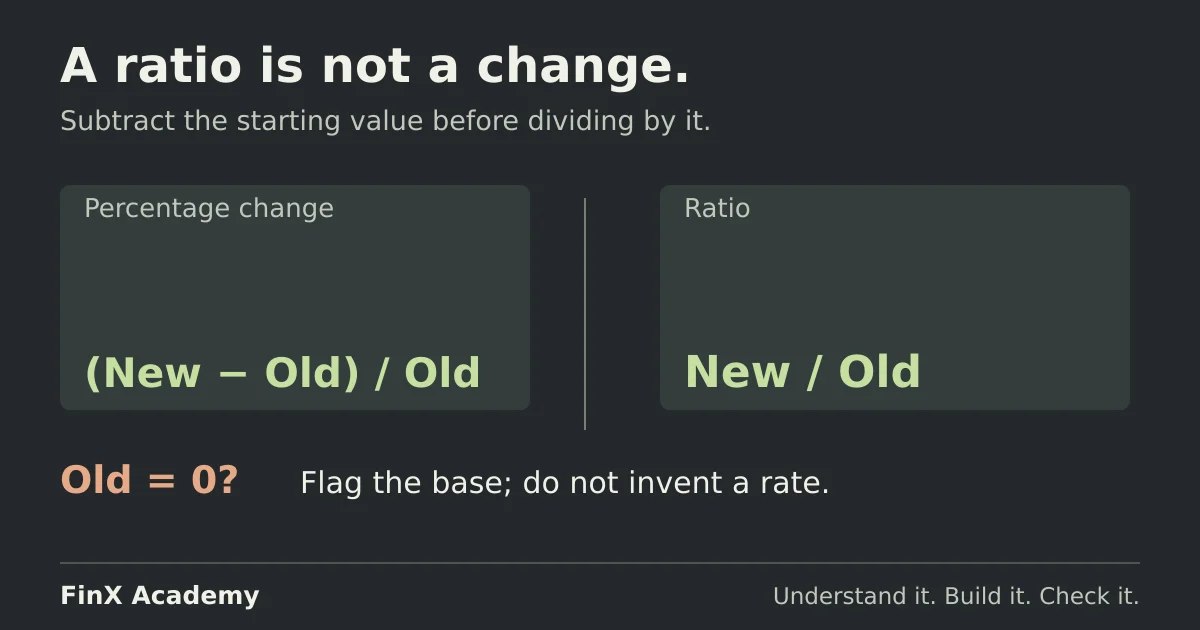
Percentage change in Excel: growth, declines and zero bases
Calculate percentage change in Excel with one formula, catch the ratio-not-change mistake, and handle negative and zero starting values and percentage points on a checked variance table.
 Finx Academy
Make formulas behave the way you intend. Work through references, lookups and the small details that make a spreadsheet reliable.
Calculate percentage change in Excel with one formula, catch the ratio-not-change mistake, and handle negative and zero starting values and percentage points on a checked variance table.
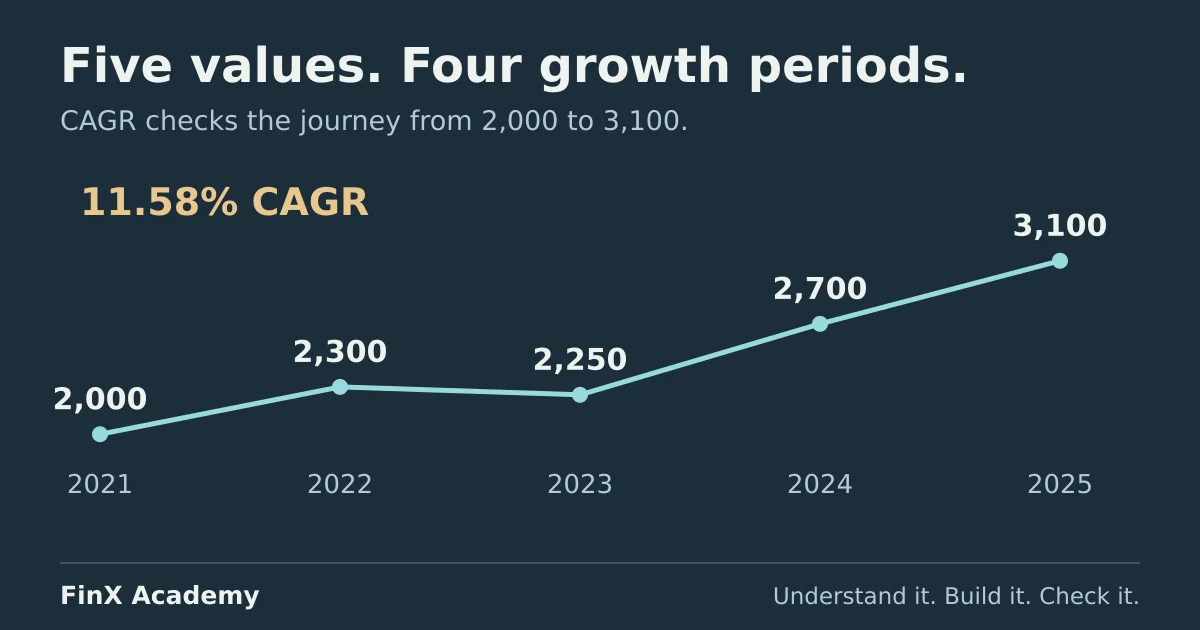
Calculate CAGR in Excel from a five-year revenue series, compare it with the average yearly growth rate, catch the off-by-one period count and convert an annual rate to monthly.
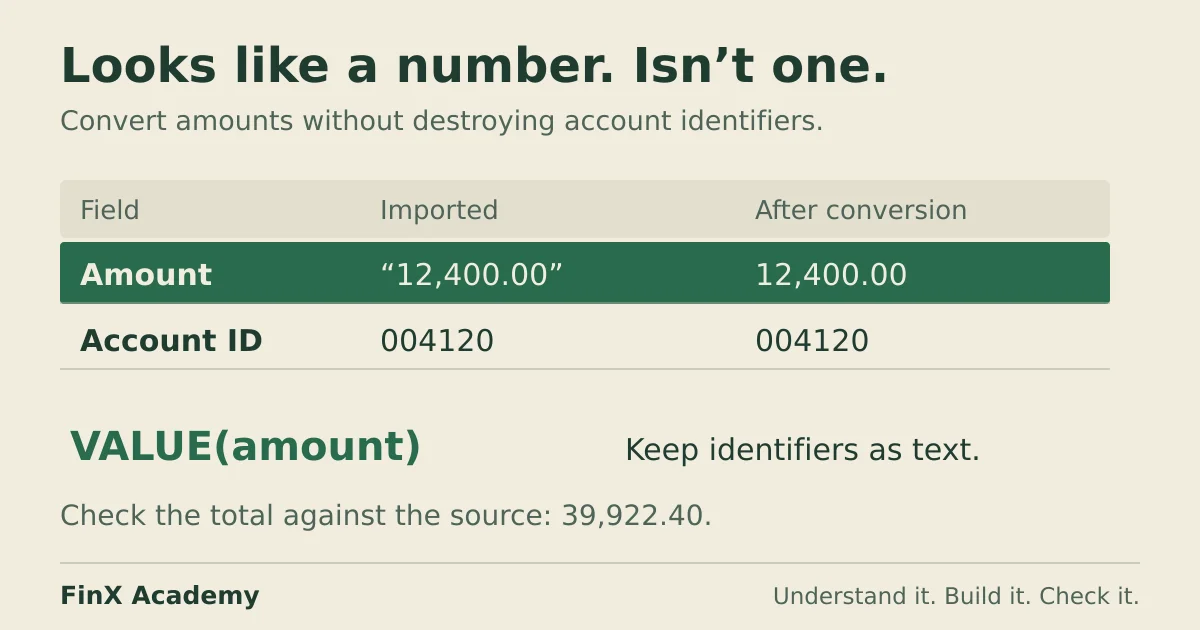
Diagnose a total that silently ignores text-stored amounts, convert the amount column with VALUE or Paste Special, and keep leading-zero account codes intact.
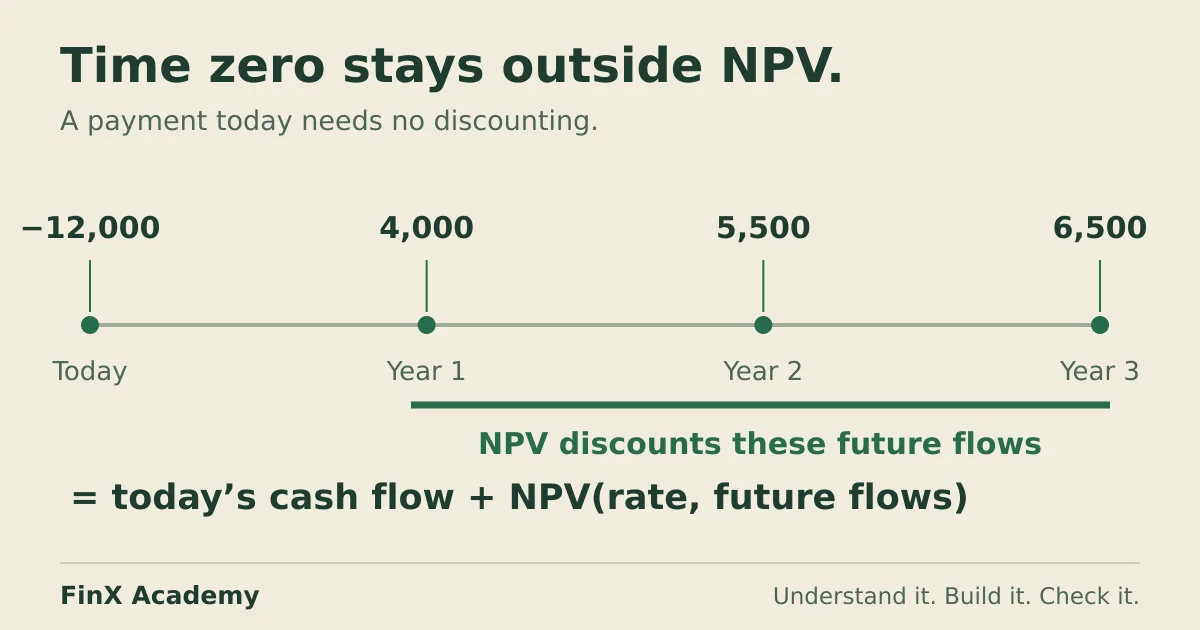
Use Excel's NPV formula with a worked cash-flow example. Put the initial investment outside NPV, check timing errors, and compare NPV with XNPV.
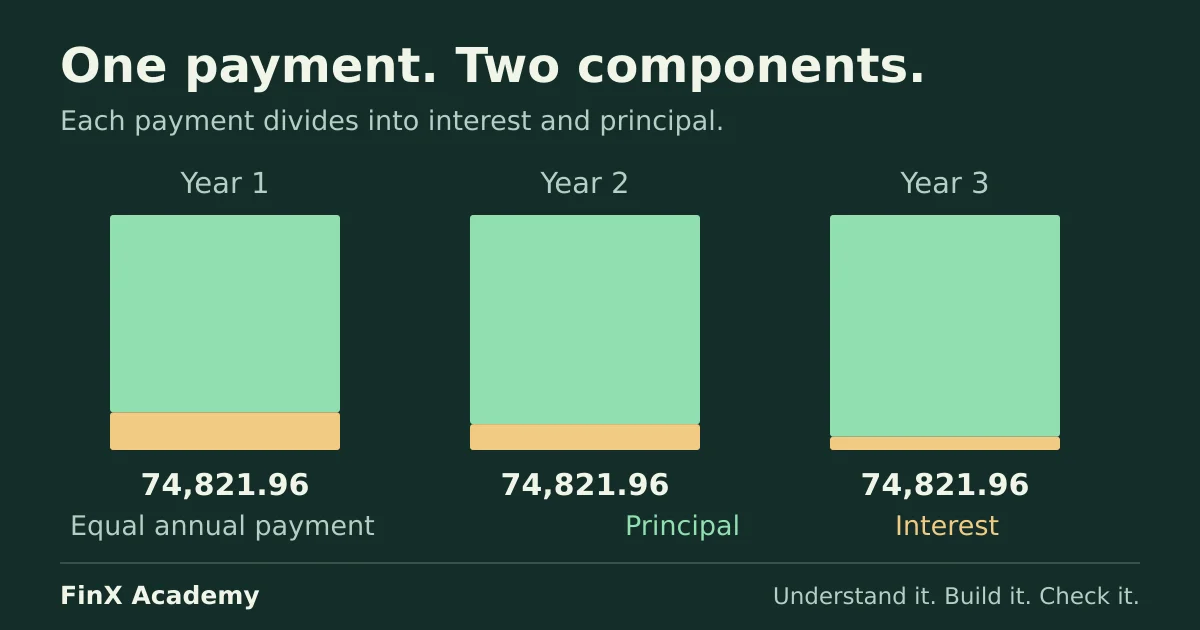
Calculate a loan payment with Excel's PMT function, keep the sign and rate-period conventions straight, and reconcile every payment into interest and principal.
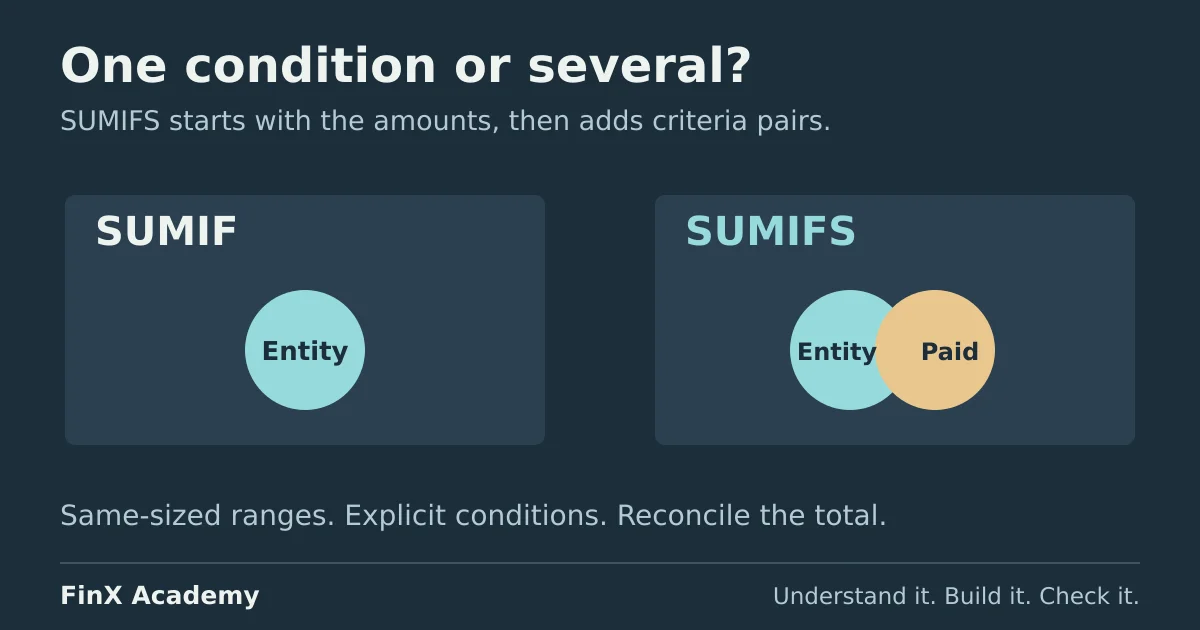
Compare SUMIF and SUMIFS on a small invoice ledger: entity and status totals, January date boundaries, silent argument-order zeros and a reconciliation check.