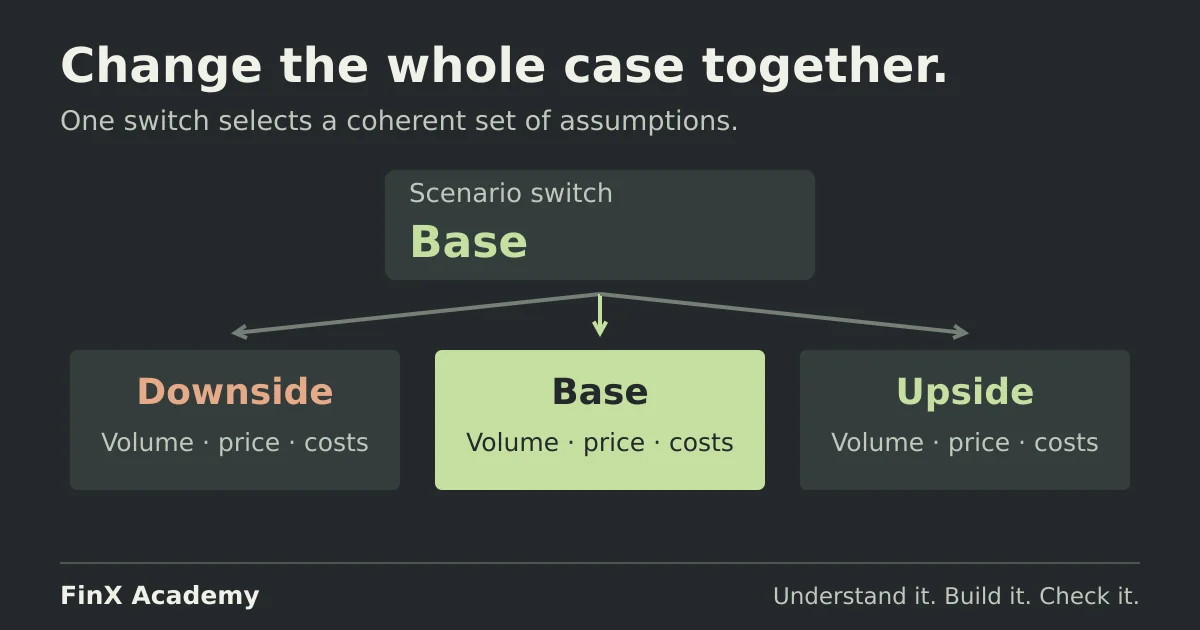
Scenario analysis in Excel: base, upside and downside cases
Switch a finance model between base, upside and downside cases with one driver cell, check each case with hand calculations, and see how scenarios differ from sensitivity grids.
 Finx Academy
Practical guides to Excel and financial modeling. Work through the details, understand the mistakes, and build with more confidence.
Switch a finance model between base, upside and downside cases with one driver cell, check each case with hand calculations, and see how scenarios differ from sensitivity grids.
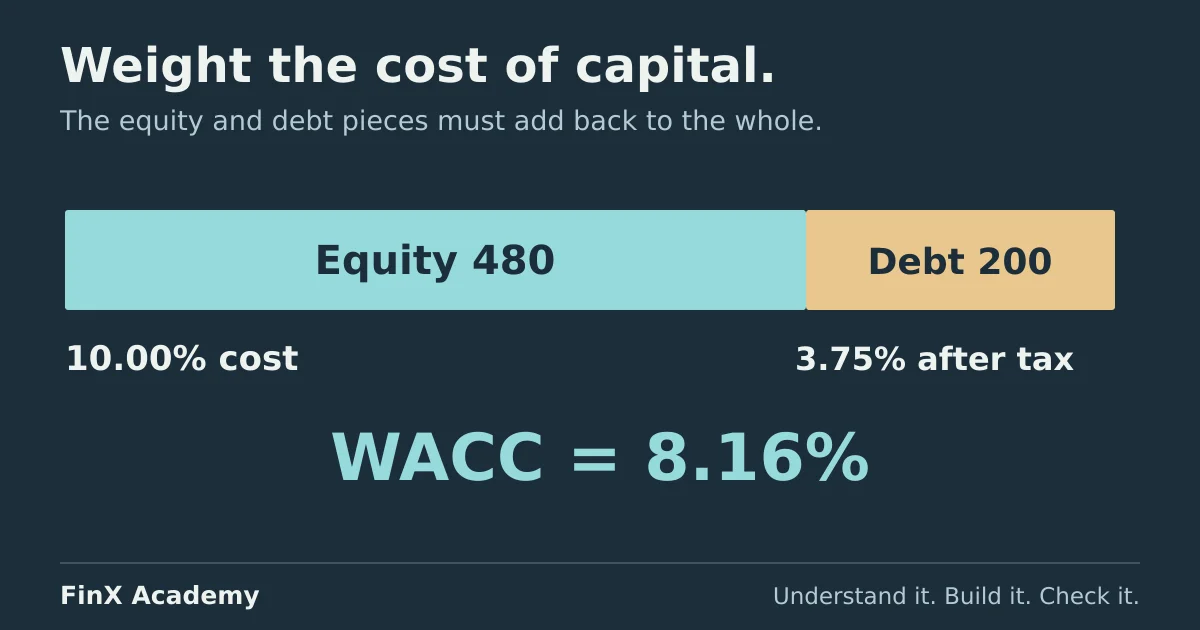
Assemble Northgate's WACC in Excel from a transparent, cell-by-cell assumptions table, cross-check it two ways, and see how a 0.37-point error moves a terminal value.
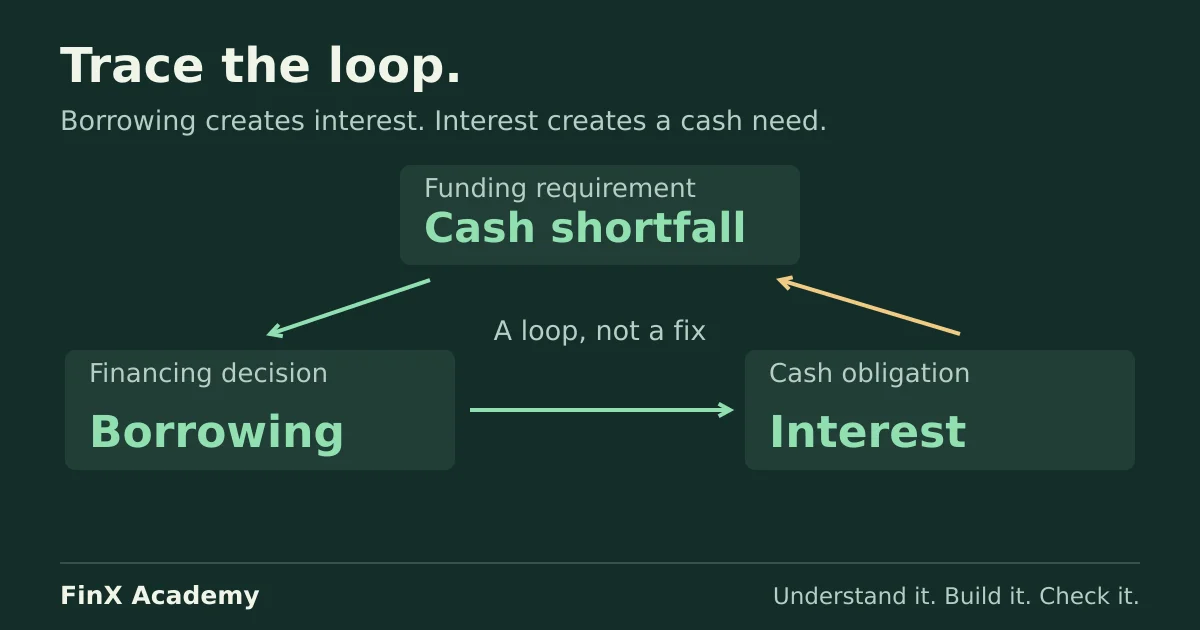
Reproduce an accidental self-including SUM, then build a revolver loop that funds its own interest. Compare timing, algebraic and iteration fixes with checked numbers.
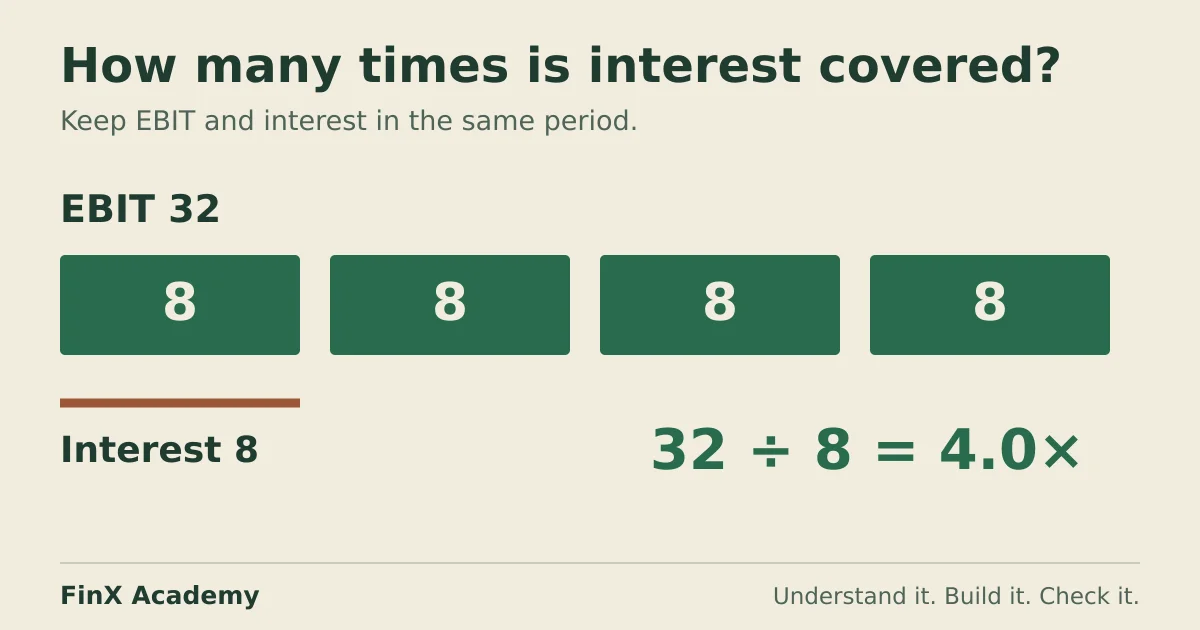
Calculate three years of interest coverage on a fictional borrower, compare EBIT and EBITDA conventions, run a downside and reconcile the interest figure to the debt schedule.
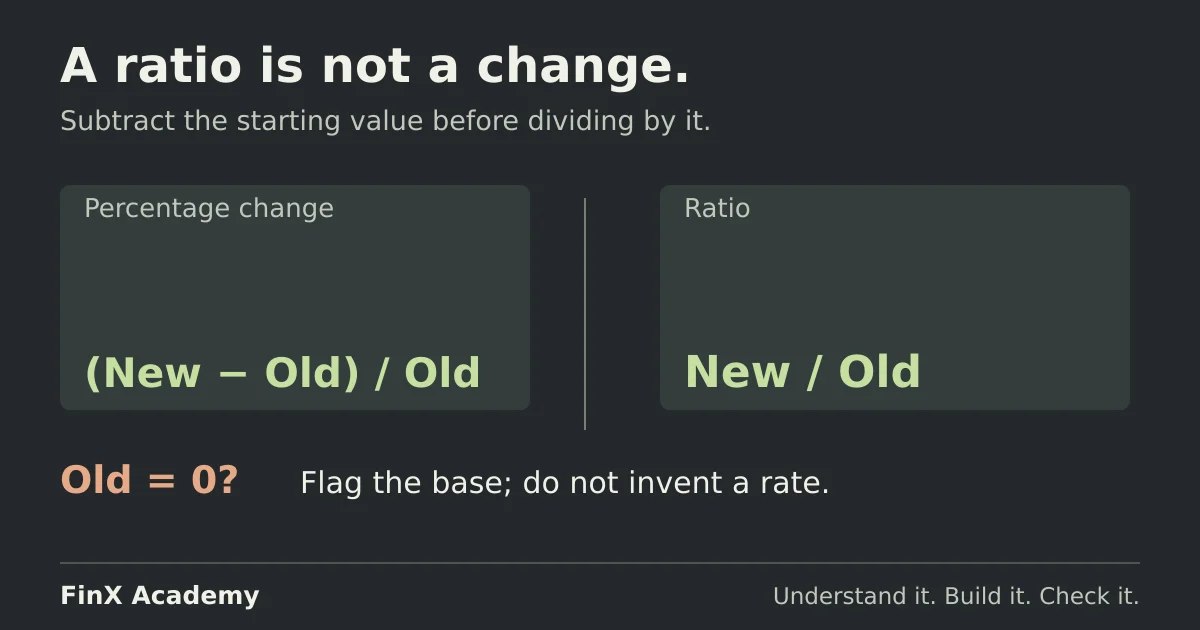
Calculate percentage change in Excel with one formula, catch the ratio-not-change mistake, and handle negative and zero starting values and percentage points on a checked variance table.
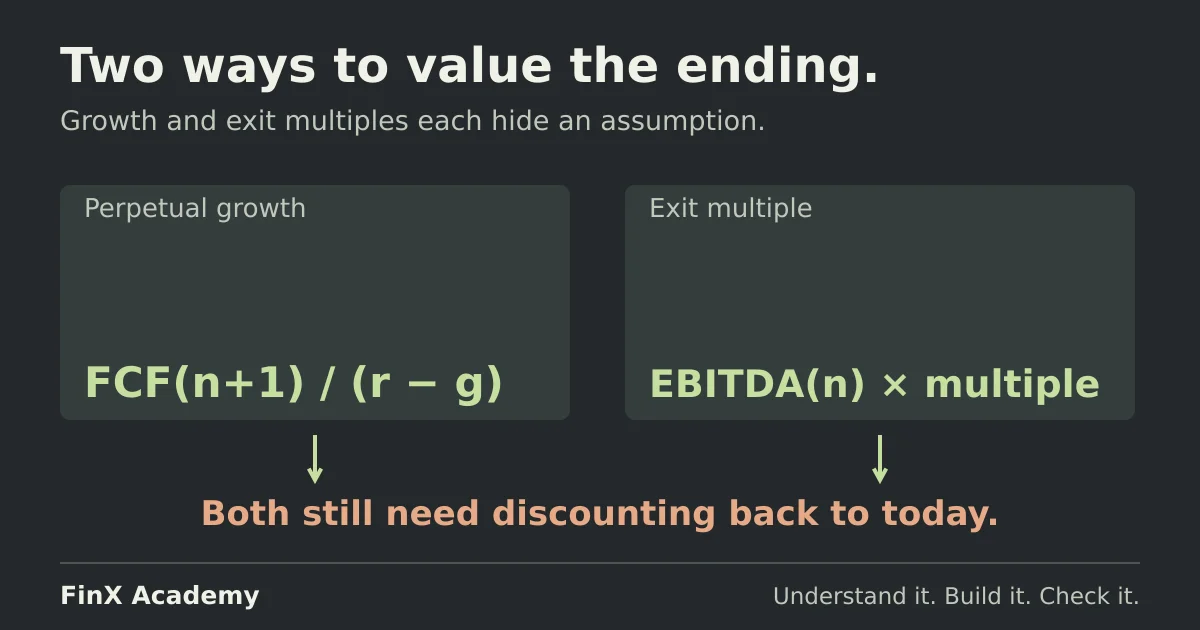
Calculate terminal value using perpetual growth and exit multiples. Follow worked Excel formulas, discount to today, and check each method's implied assumptions.